

- Home
- Products
- HTML Templates
- Admin Dashboards
- Nexa Admin – Free Bootstrap 5 Admin Dash...
Nexa Admin – Free Bootstrap 5 Admin Dashboard Template
Product overview
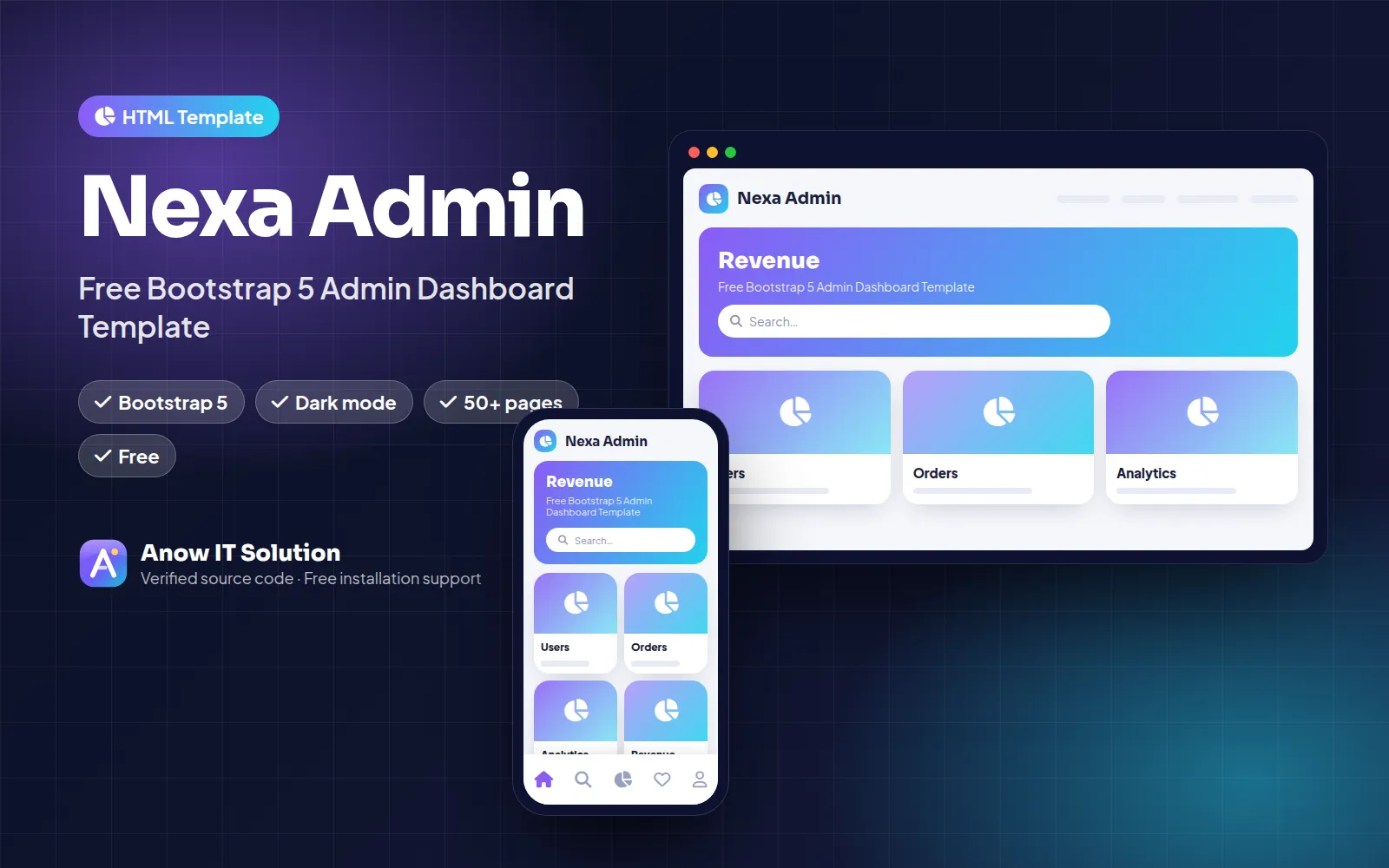
A free, modern Bootstrap 5 admin dashboard with dark mode, 50+ pages, charts, tables and forms — perfect for starting any web app.
Item details
Support & inquiry
Product demo
Description
Nexa Admin is a production-ready free admin template solution by Anow IT Solution. A free, modern Bootstrap 5 admin dashboard with dark mode, 50+ pages, charts, tables and forms — perfect for starting any web app.
Why choose Nexa Admin?
It is built with clean, well-documented code, a fully responsive design and an easy admin panel, so you can launch your business in days instead of months. The source code is 100% unencrypted — customise anything you like.
Perfect for
- Startups launching a new online business
- Agencies building projects for clients
- Businesses in Sri Lanka and worldwide that want local payment gateways
Installation & customization service
Not technical? Add Full website setup at checkout and our team installs and brands everything for you. We also offer custom features and development services.
Core features
- 50+ ready pages
- Dark & light mode
- Charts, tables & forms
- Auth pages
- Clean SCSS
- Free for personal & commercial use
Server requirements
- PHP 8.2 or higher
- MySQL 5.7+ / MariaDB 10.3+
- Extensions: BCMath, Ctype, cURL, DOM, Fileinfo, GD, Mbstring, OpenSSL, PDO, Tokenizer, XML, Zip
- Apache (mod_rewrite) or Nginx
- Works on cPanel shared hosting — no SSH required
Installation instructions
- Create a MySQL database and user in cPanel.
- Upload the ZIP to
public_htmland extract it. - Open
https://yourdomain.com/installand follow the installer. - Log in to the admin panel and configure your logo, colors, payment gateways and SMTP.
Detailed guide: How to install a Laravel script on cPanel.
Changelog
v2.1.0 – Laravel 12 & PHP 8.4 support, new dark mode, performance improvements.
v2.0.0 – Redesigned UI, PayHere gateway, SEO improvements.
v1.0.0 – Initial release.
Reviews
Very clean code and the installation took only 10 minutes on my cPanel hosting. Support replied on WhatsApp within minutes!
5 days agoThe team customised the design and added PayHere for my client. Highly recommended.
5 days agoBeautiful UI and works great on mobile. Documentation could include more screenshots but support helped.
5 days ago